
PHAIN Studio
One task.
Clearly seen.
Capture doesn't end when a device stops recording.
PHAIN Studio aligns,
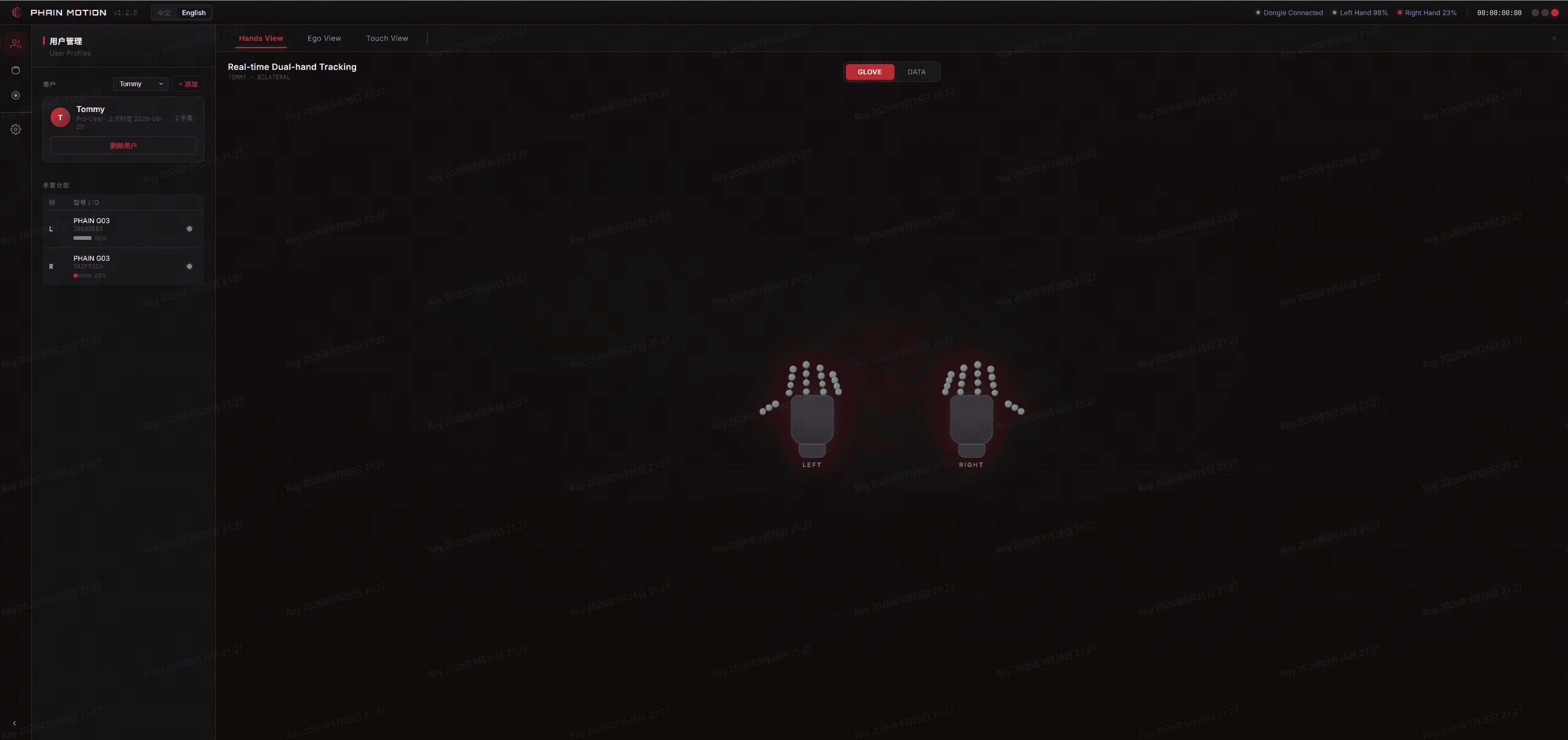
Three panels.
A complete view of one task.
Hands View · Both hands, real-time
Skeleton-level tracking.
Both hands,
Left and right hands are identified and tracked independently,
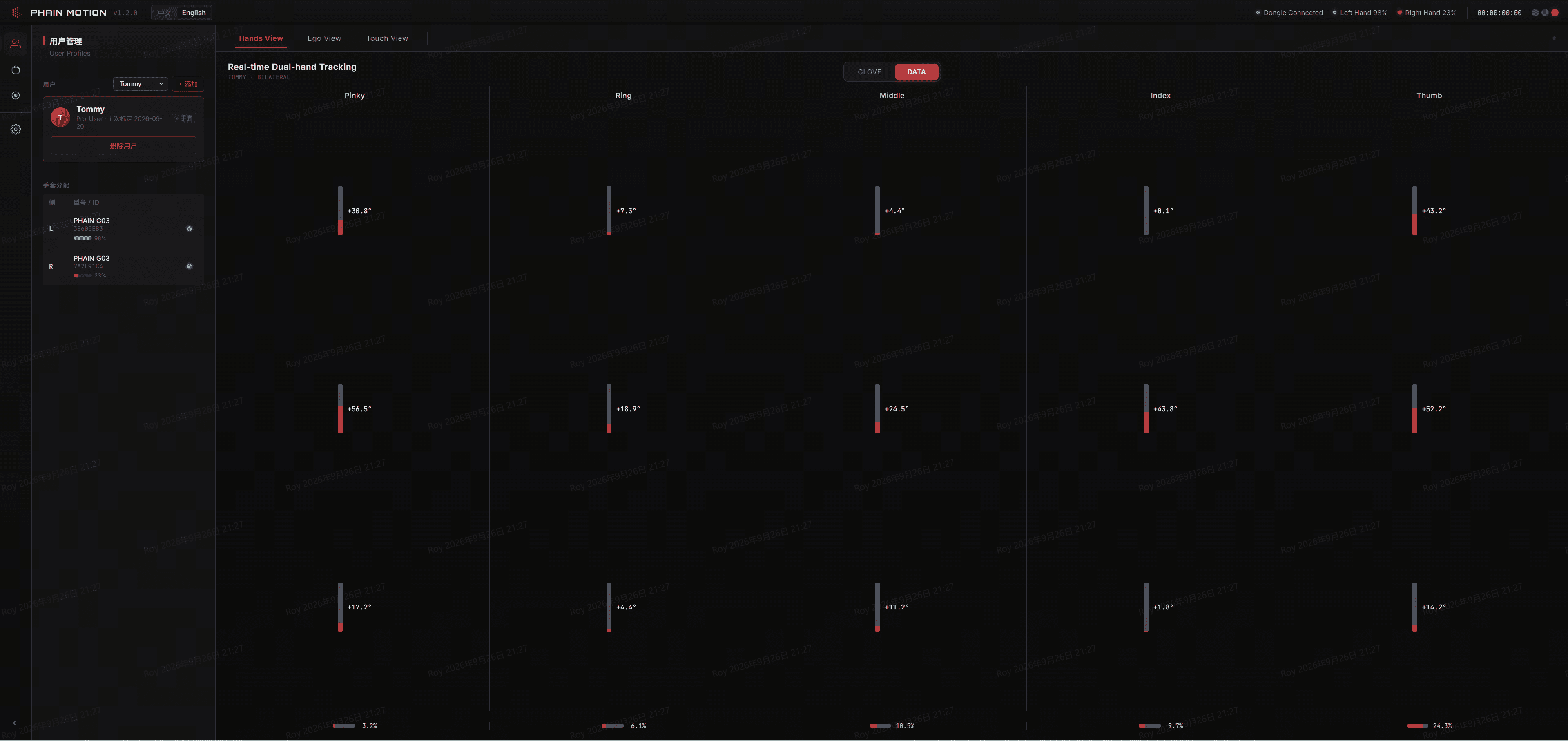
Data View · Joint by joint
Every finger's angle change,
From thumb to pinky,
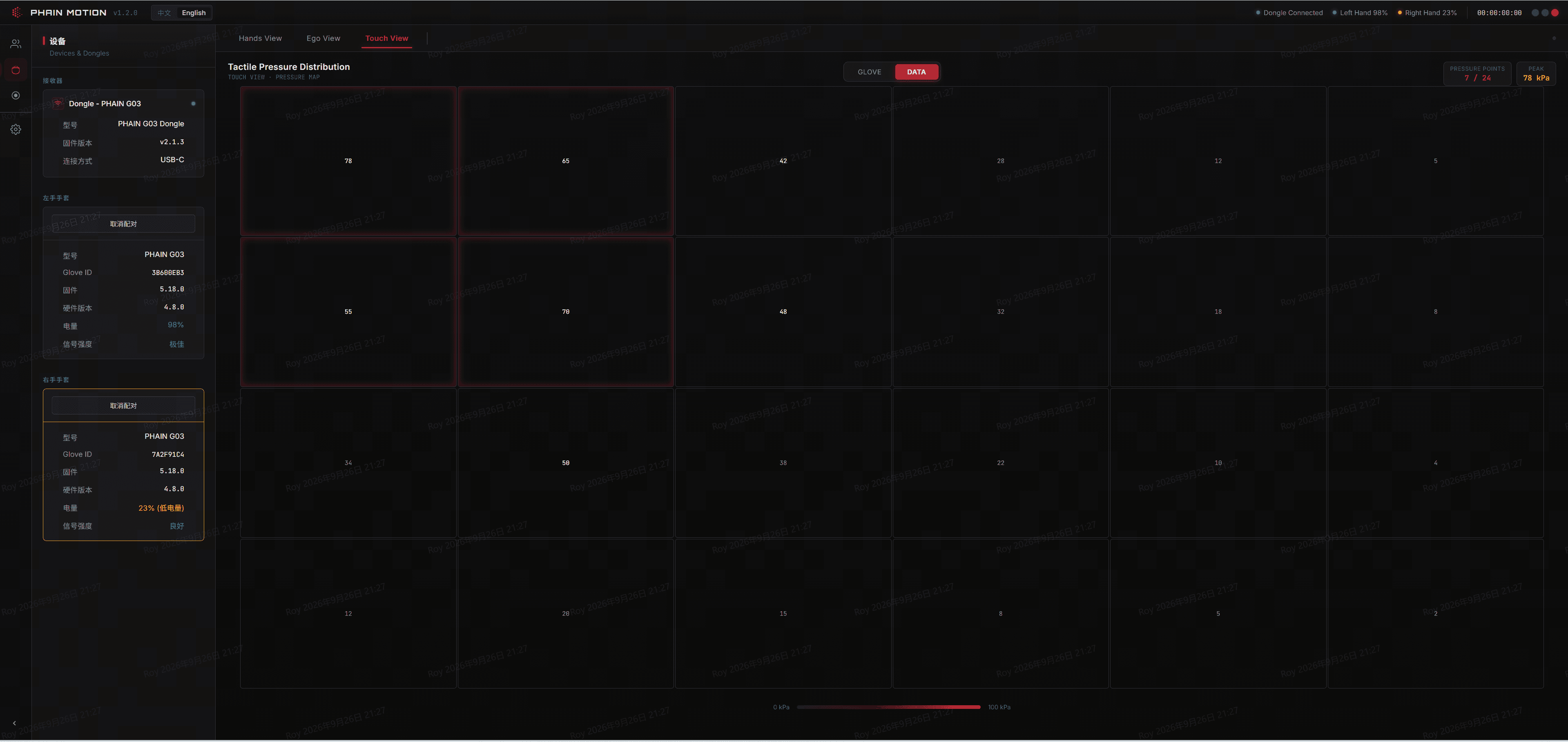
Touch View · 800+ points
Full-palm pressure distribution.
Contact force,
800+ pressure points across the palm show contact distribution and peak pressure together.
On tactile-sensing-equipped models,
How the system works
The internal pipeline inside PHAIN Studio, from raw signal to a deliverable task record.
01 · Capture
Raw signal streams,
02 · Align
Signal streams from different devices and sample rates are aligned to one shared time base,
03 · Structure
Data is organized around the task rather than the device source,
04 · Verify
Sync quality,
05 · Deliver
The structured task record is delivered ready for downstream annotation,
Technical Direction
Behind PHAIN Studio are two layers of capability we're building toward.
The fusion engine aligns multi-channel signals precisely in time.
The generative model expands each real capture into more usable training scenarios.
Both are still being built,
Fusion Engine Direction
Sub-millisecond multi-modal alignment
The goal is sub-millisecond multi-modal alignment and heterogeneous fusion computation.
This is a long-term direction,
Generative Model Direction
100x real-data augmentation
The goal is for a generative model to expand one real capture into more than 100x its scale,
This is also a long-term direction,
Hardware and software,
PHAIN Studio works with the G03 series,
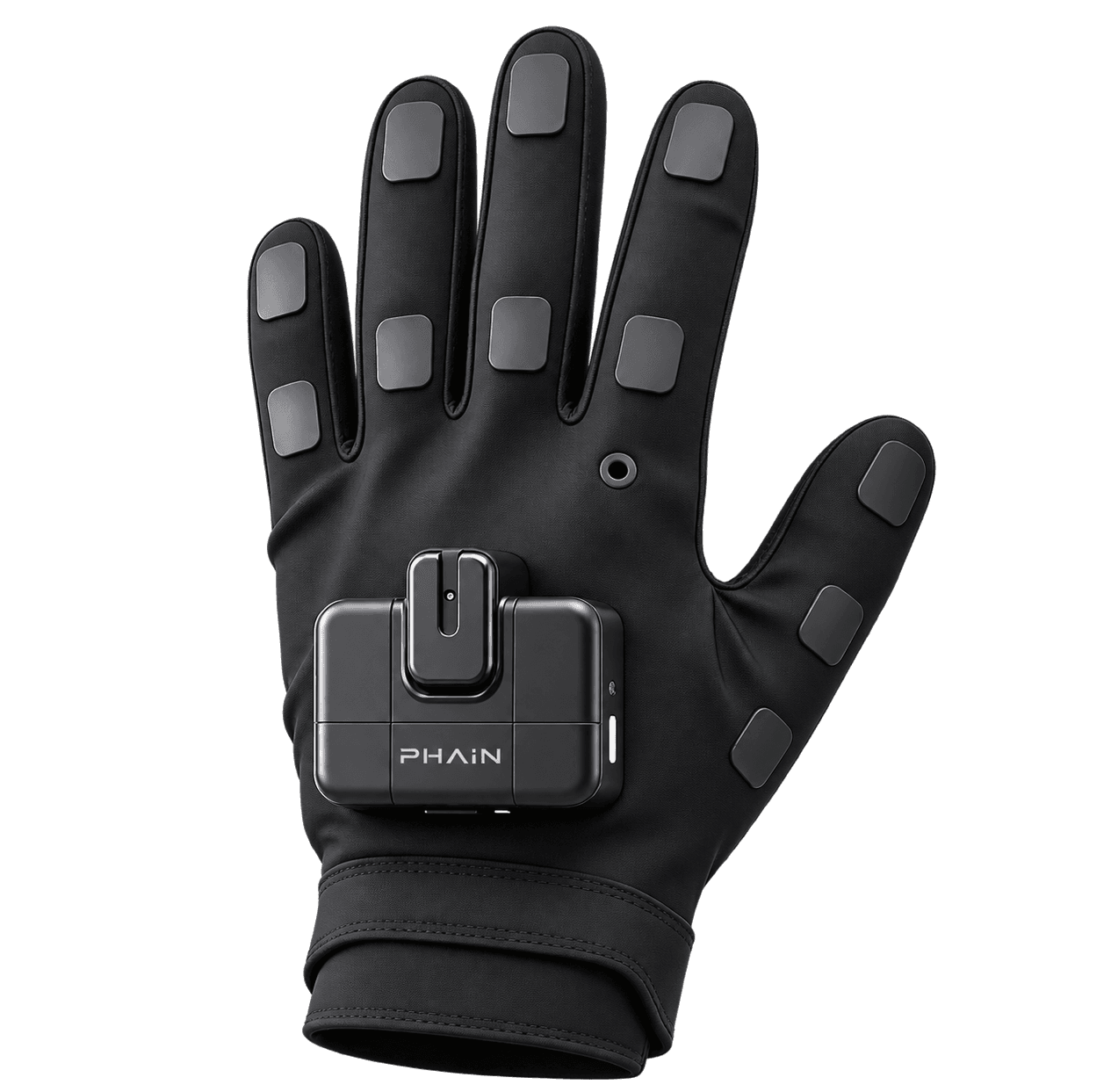
G03
Hand motion
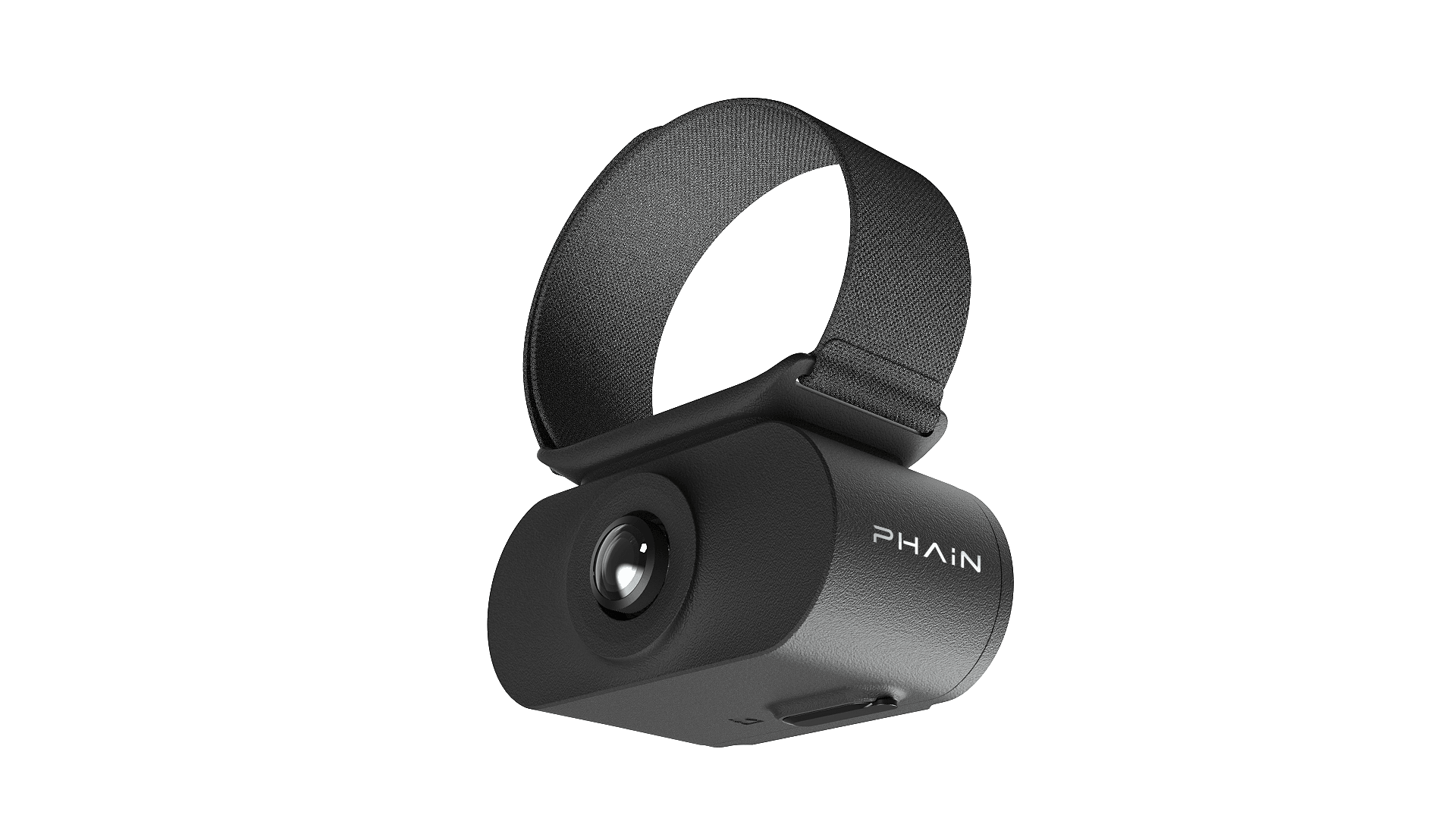
W03
Hand-object relationship
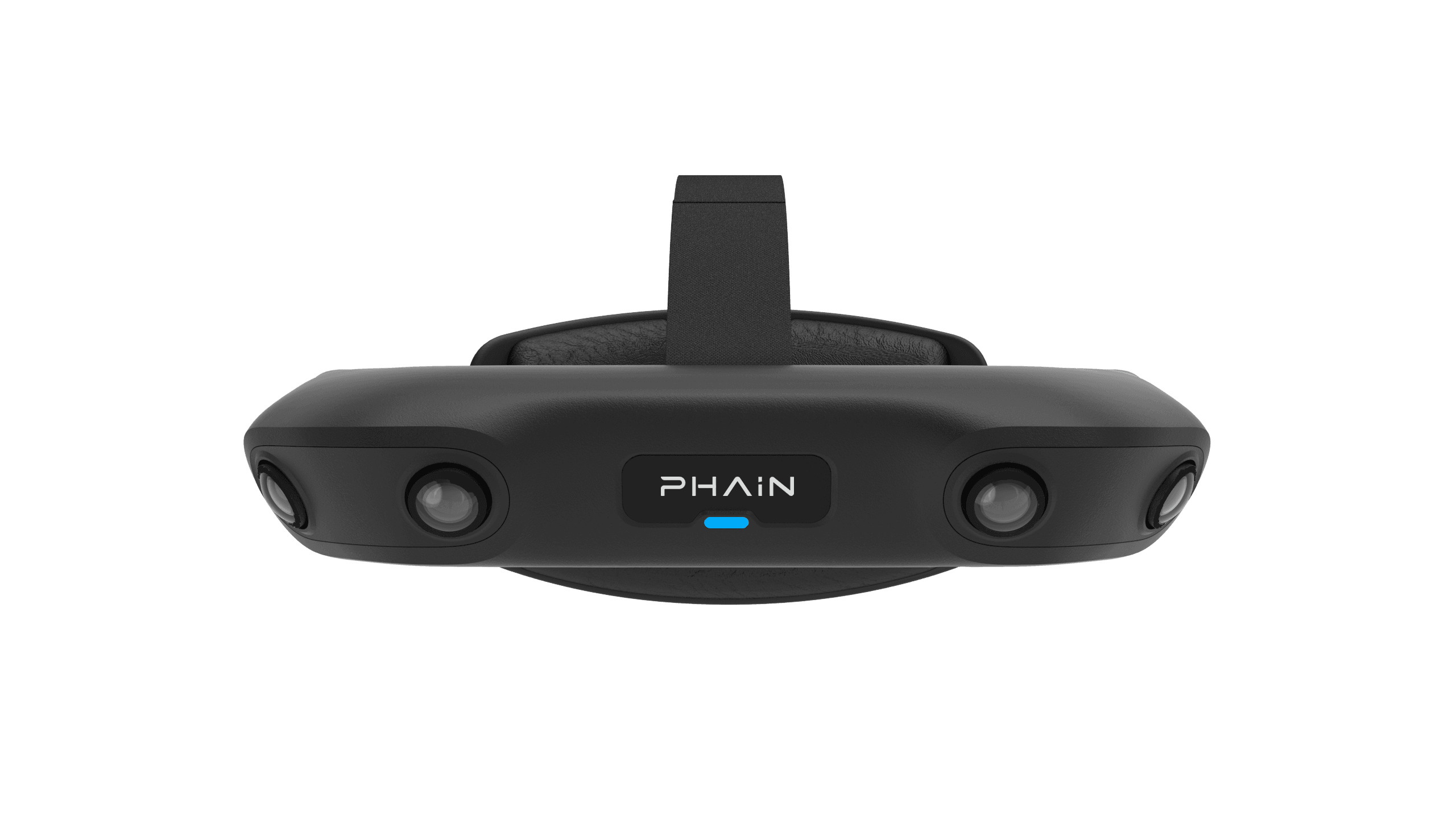
E03
First-person view
Turn your capture into one clear task record.
Tell us about your capture device setup and trial needs,