
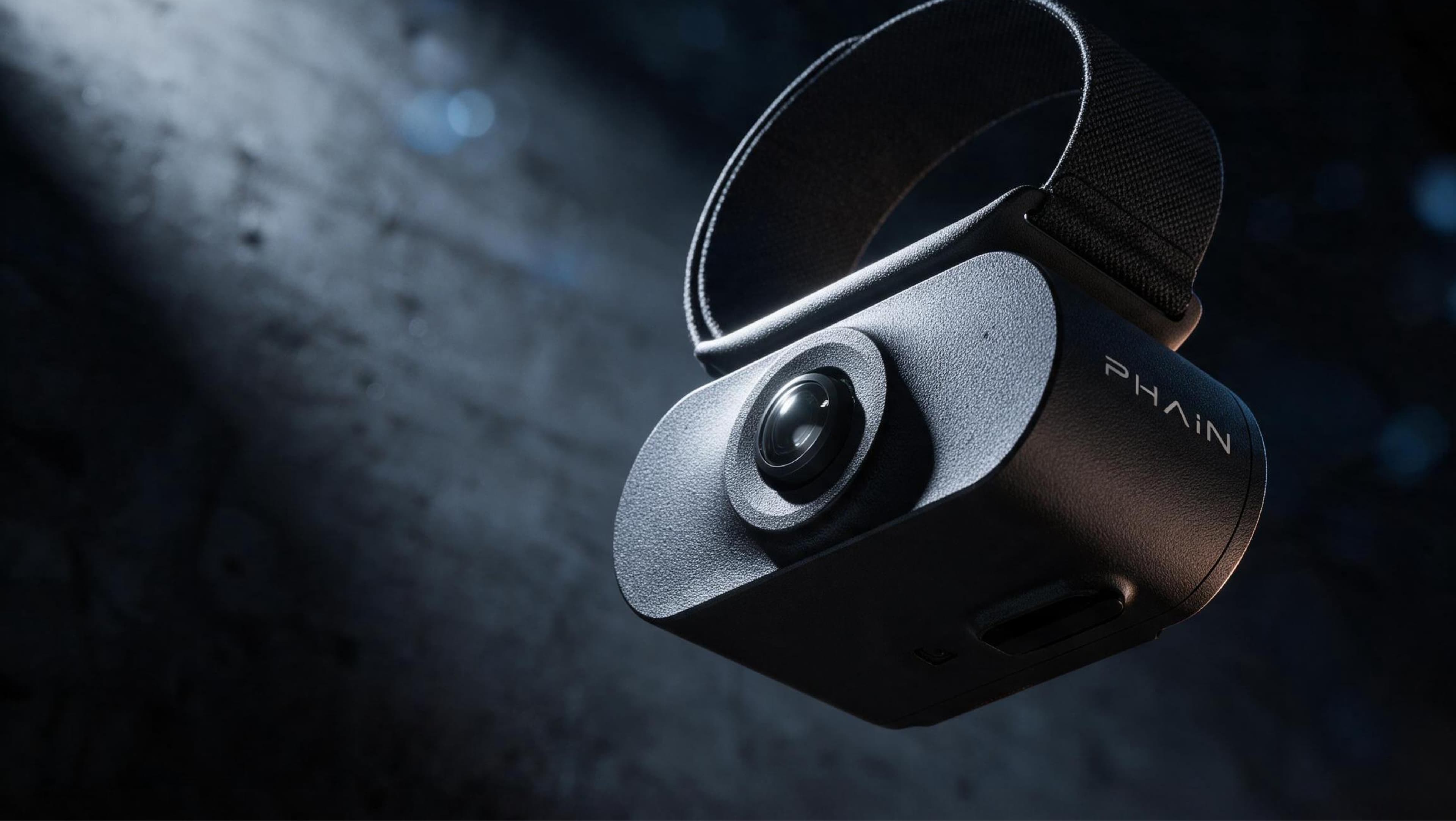
W03
The blind spot by the hand deserves to be seen too.
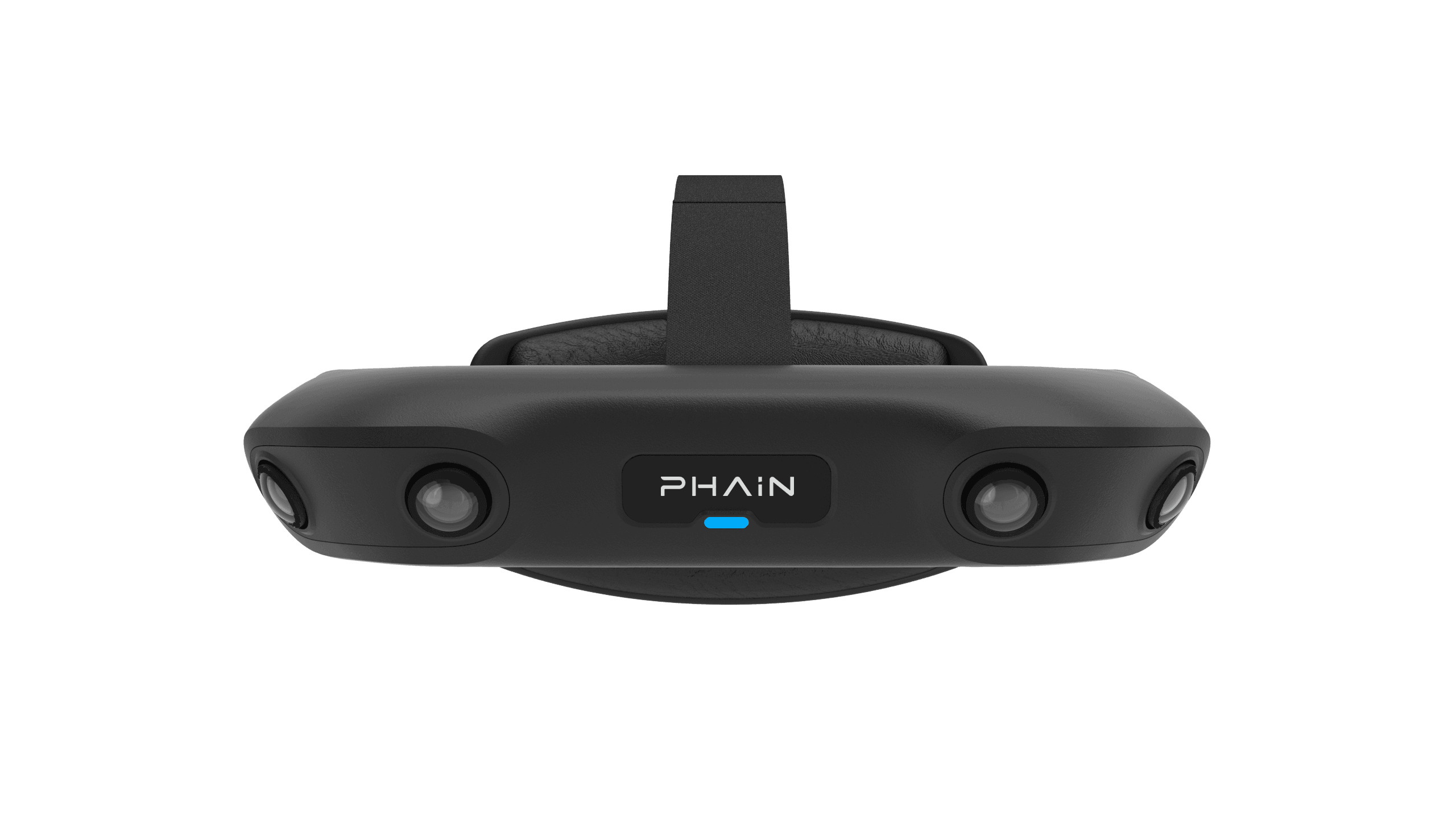
A head-worn camera sees the whole task,
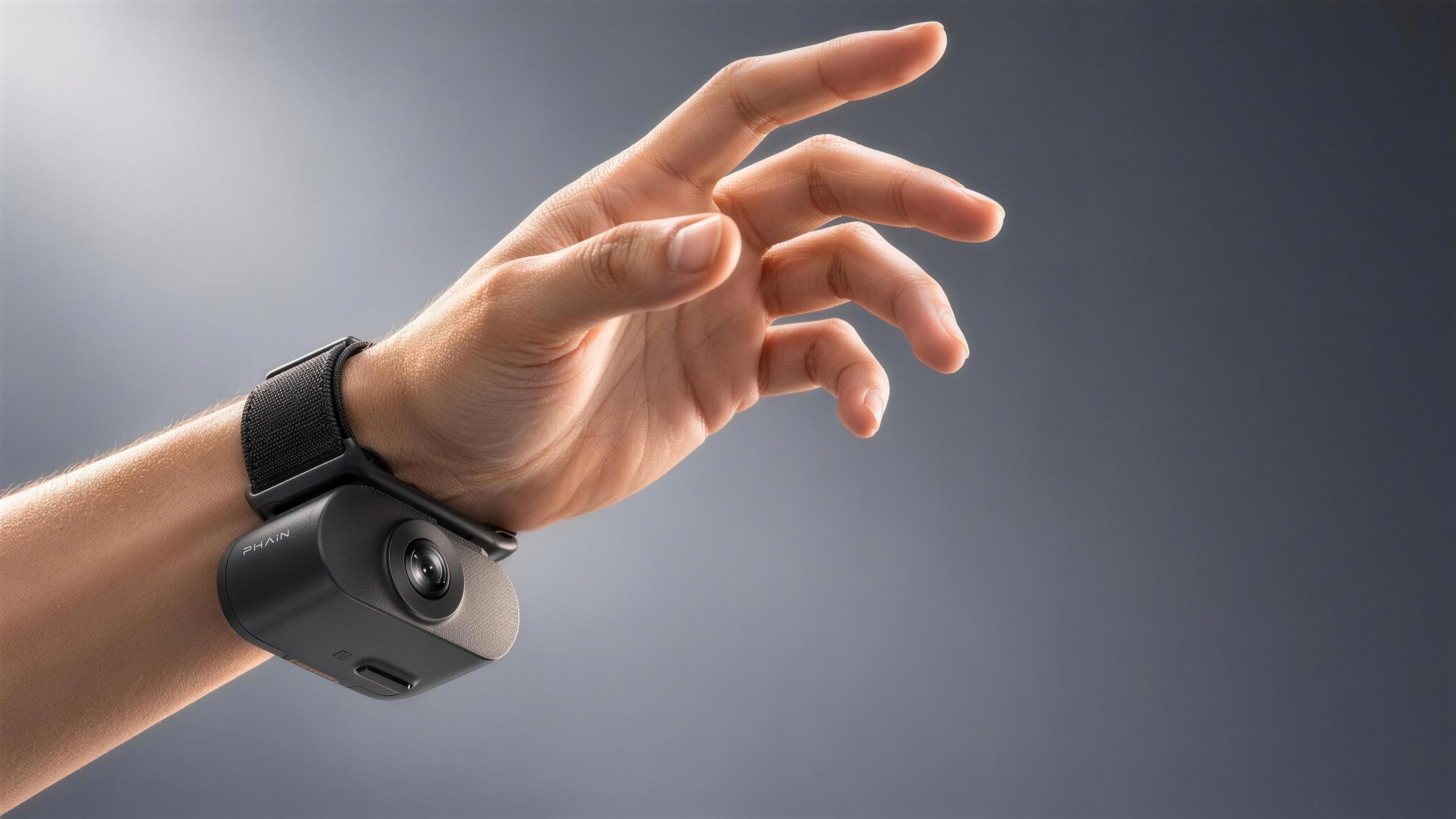
W03 is a wrist-worn close-range camera.
It fills in the hand-operation footage the first-person view tends to miss.
It is the supplementary close-range view beyond G03's core data.
Close-Range Coverage
0.2–2m
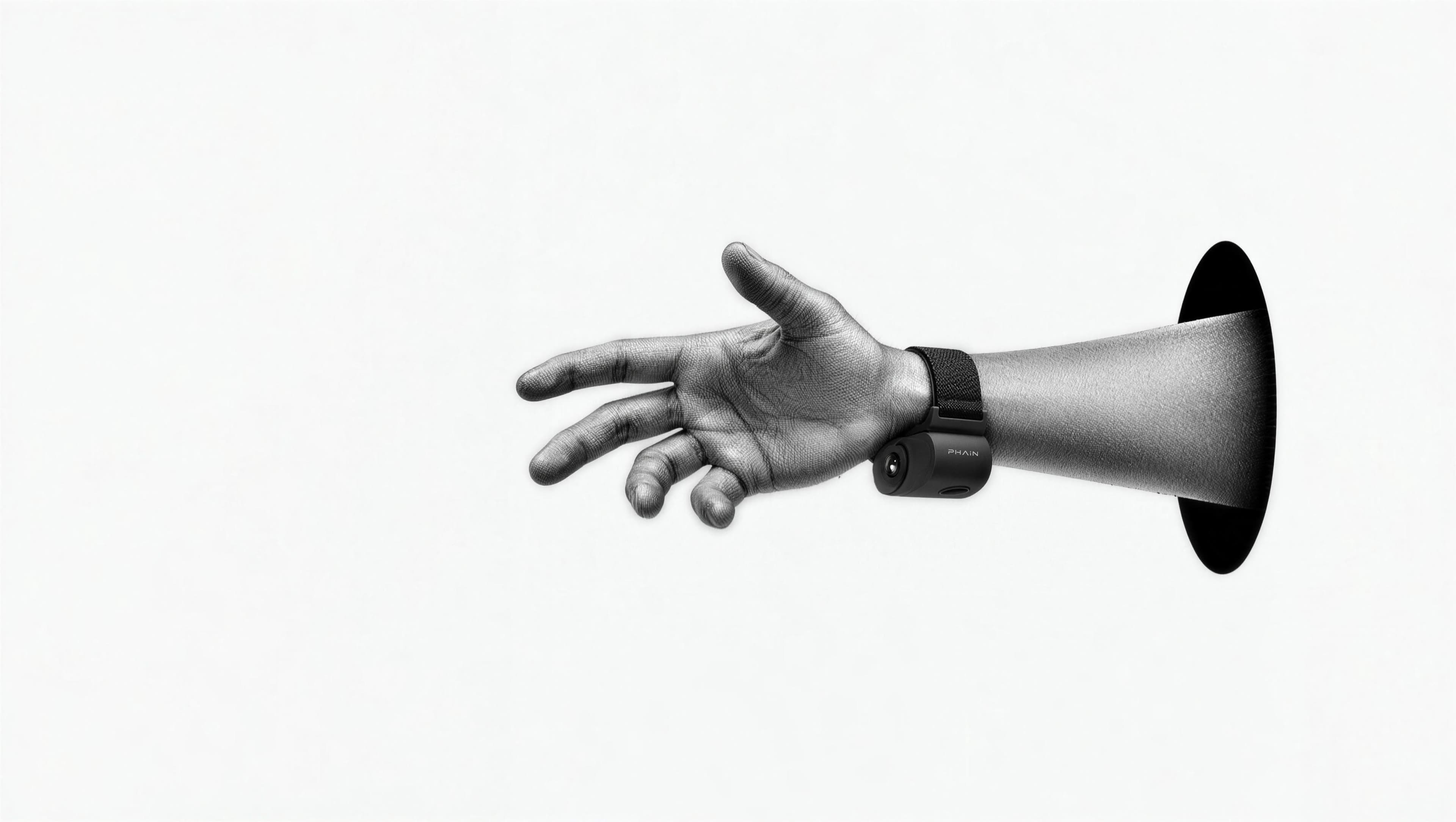
What the lens can't reach,
A 0.2–2 m close-range working distance focuses on the hand-level detail a head-worn camera tends to miss.
The close-range view is no longer a blind spot.
Global Shutter
H165°·
The faster the hand,
A global-shutter fisheye lens pairs with an H165°/V130° field of view.
Fast hand motion doesn't smear or distort.
Close-up detail stays clear and usable.
Hardware Sync
<1ms
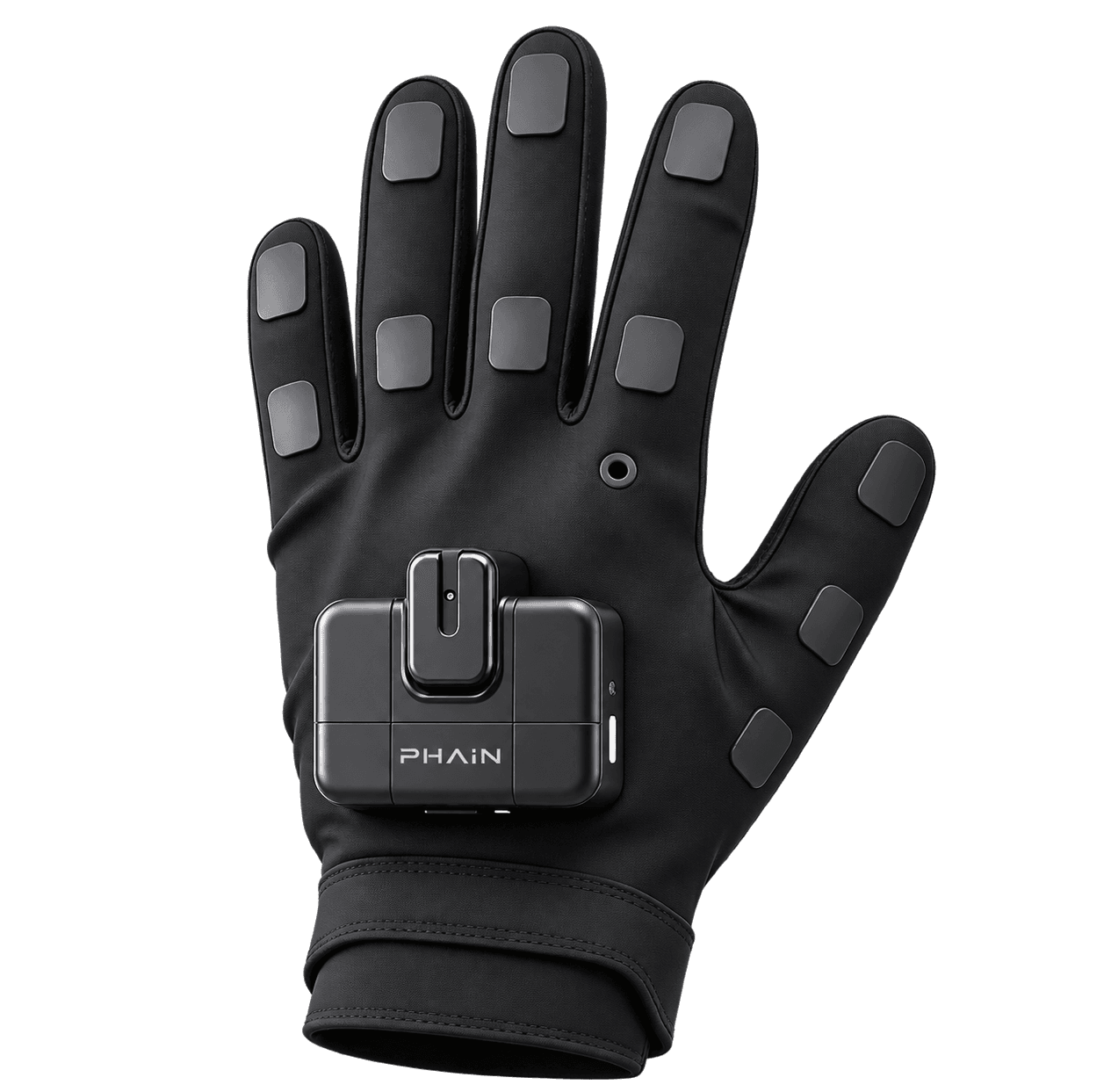
One clock for the glove and the camera.
Hardware-triggered through Master,
Hand motion and the close-range view land on the same timeline.
No post-hoc alignment needed.
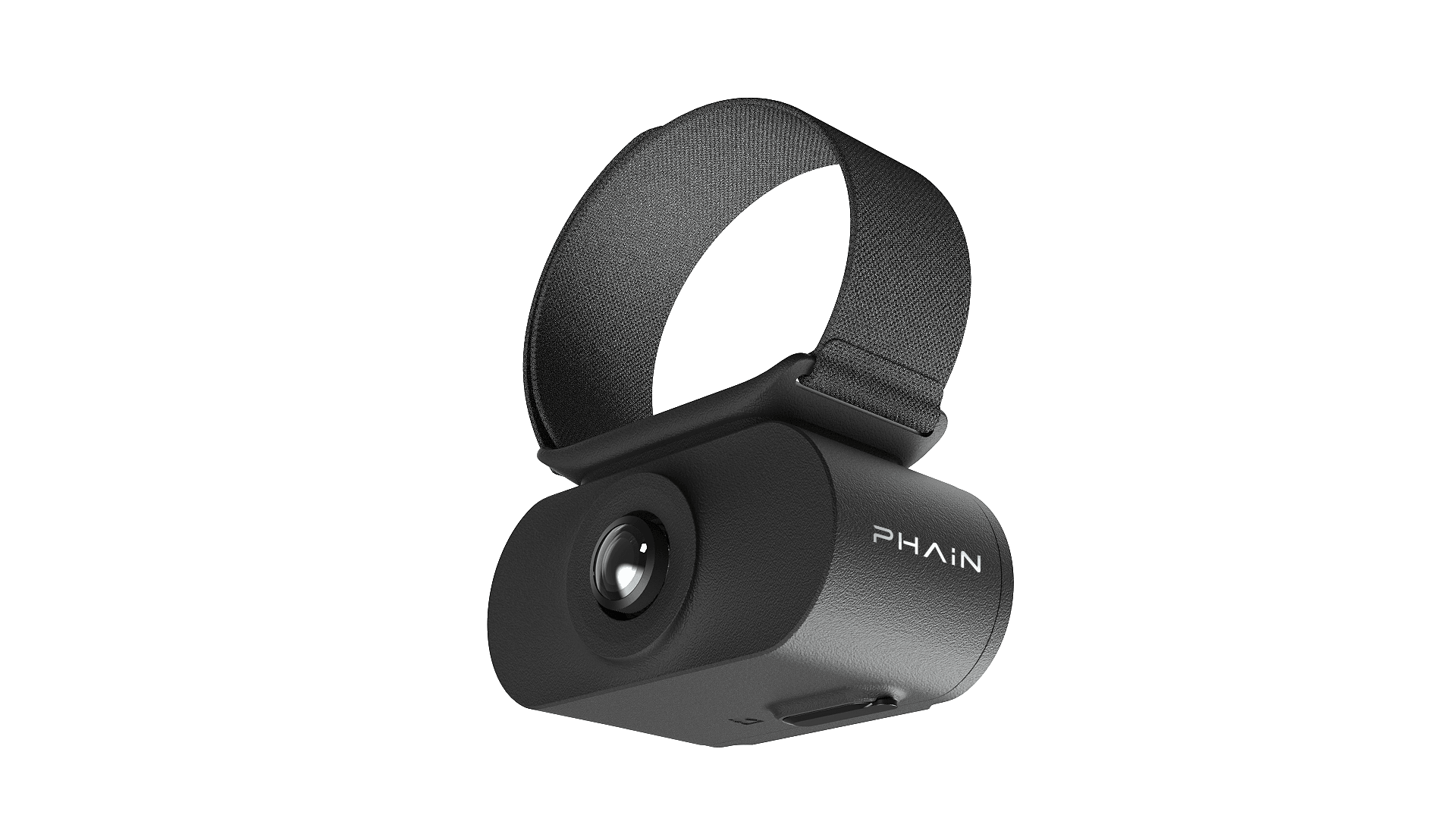
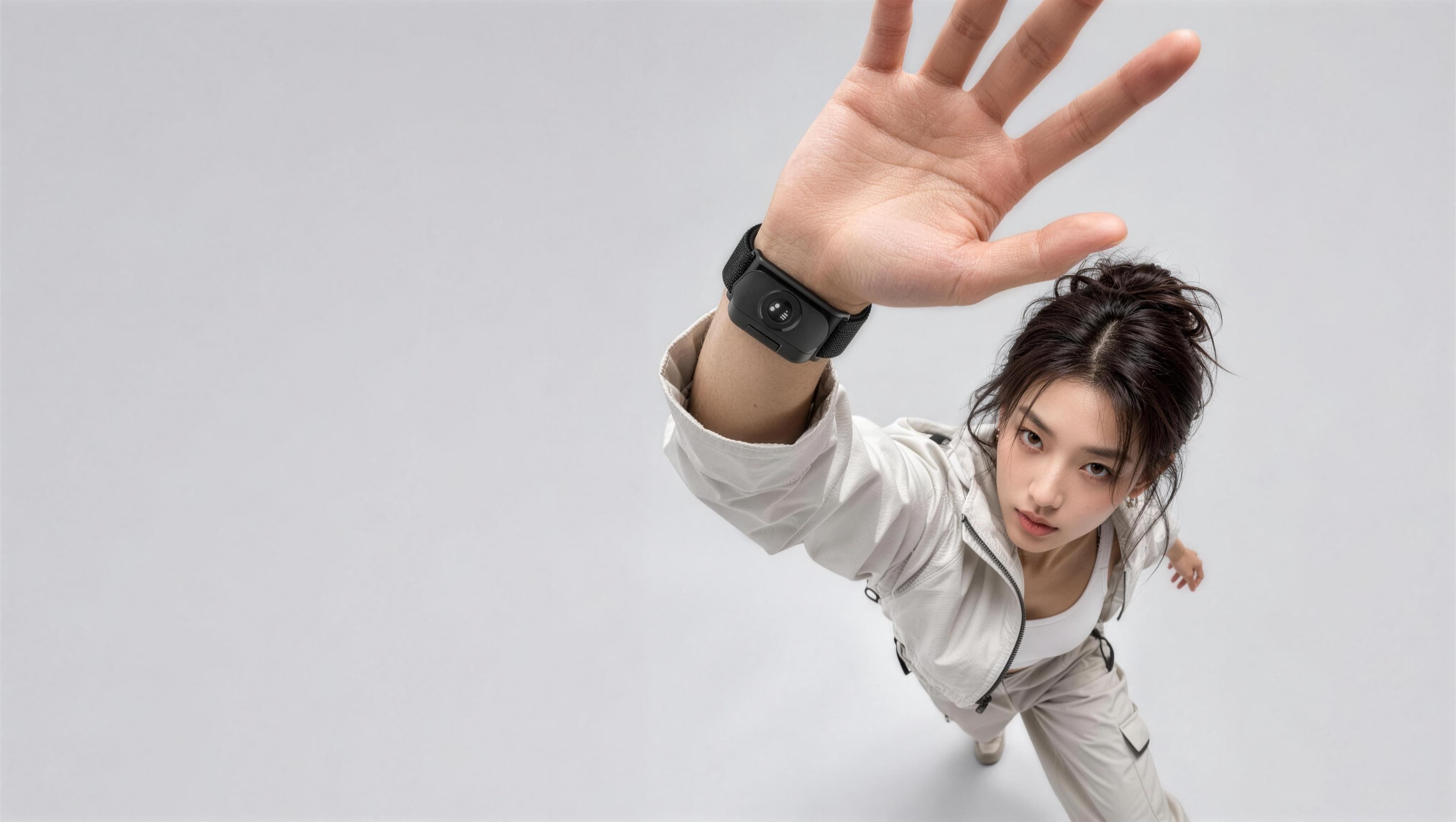
Worn on the wrist,
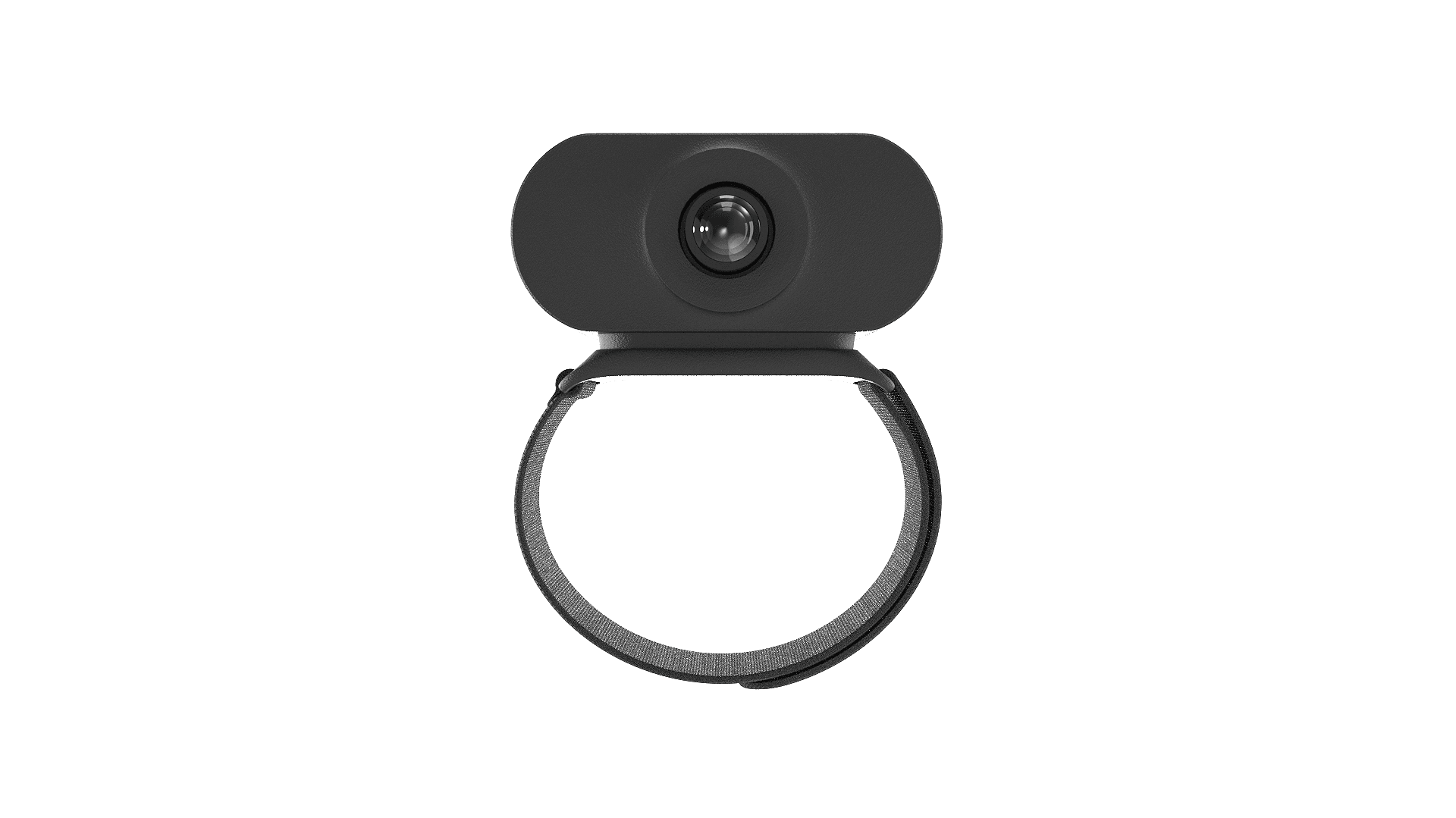
W03 is worn on the wrist.
Its lens always points at the hand's operating area.
No extra angle adjustment or realignment is needed.
~70g
Total weight
<2W
Power draw
0.2–2m
Close-range distance
Specifications
- Camera
- 2MP global-shutter fisheye
- Resolution / Frame Rate
- 1600×1200 @ 60/30 fps
- FOV / Working Range
- H165° / V130°, 0.2–2 m
- IMU
- 6-axis, 400 / 1000 Hz, image-IMU sync <1 ms
- Connectivity
- USB 2.0 + Wi-Fi 5 + BLE 5.2
- Storage / Power / Weight
- Local TF card storage · <2 W · ~70 g
Specifications are measured under defined test conditions and are subject to final product release.
Serving G03's core.
Filling in the close-range view.
W03 is the supplementary close-range view inside the PHAIN SENSE system.
Together with G03,
Used on its own,

Start with G03.
Fill in the close-range view with W03.
Tell us about your task.
We'll help you decide whether you need W03,